



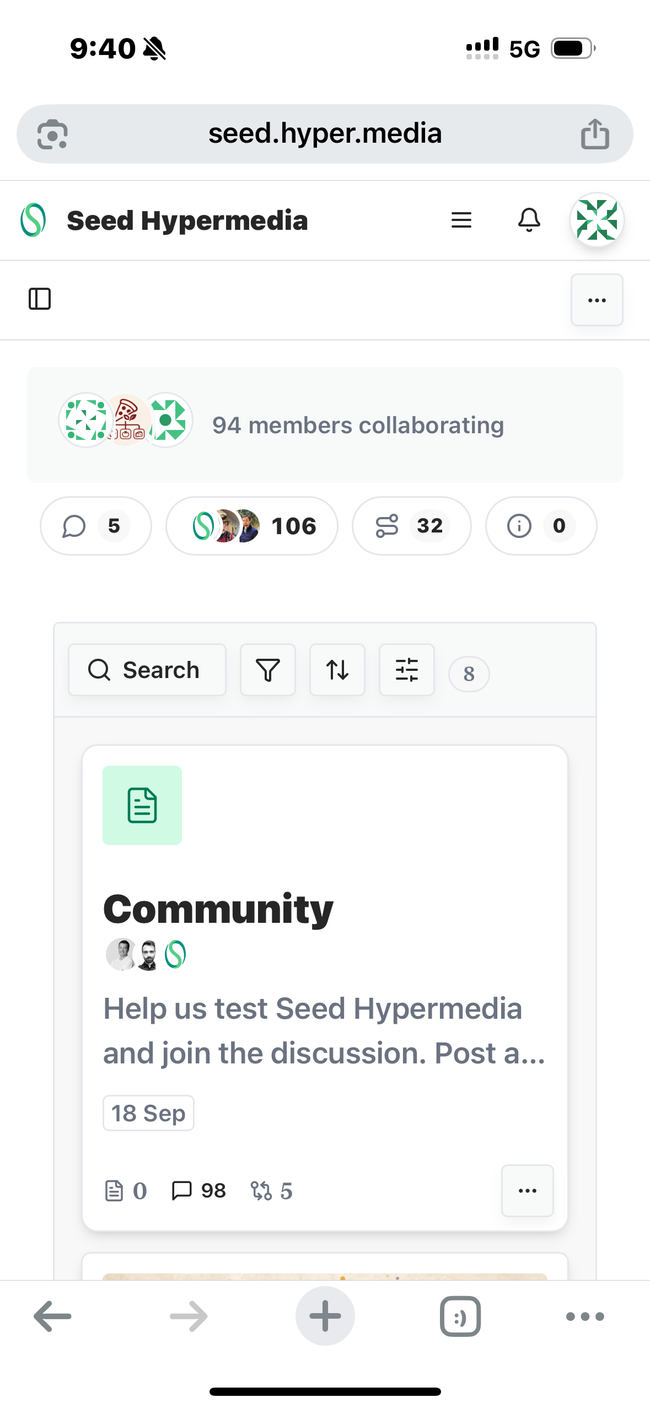
Solution
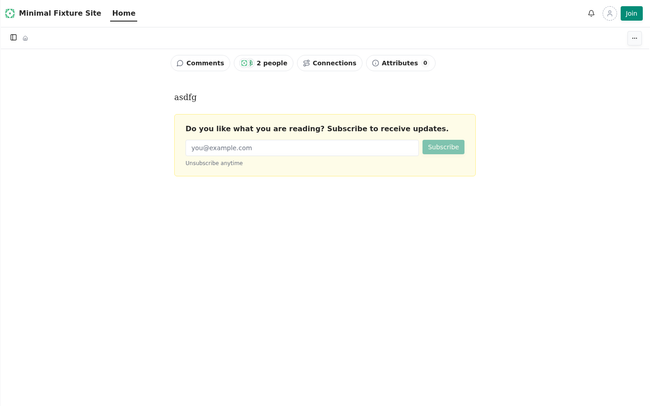
Removed the “N members collaborating” pill (MembersFacepile) from the space home on desktop and mobile web layouts, the lookup that only fed it, and the now-unused component. Members remain accessible through the “N people” button and People panel.
Root cause: frontend/packages/ui/src/resource-page-common.tsx rendered <MembersFacepile> on home documents whenever useSiteMembers returned at least one joined member.
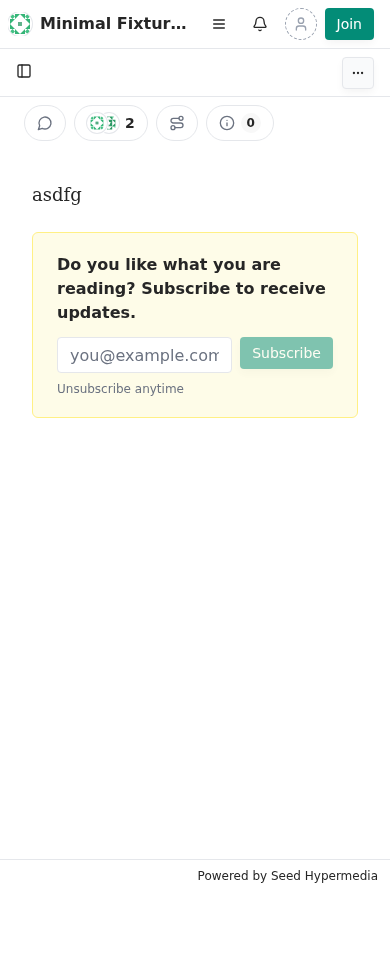
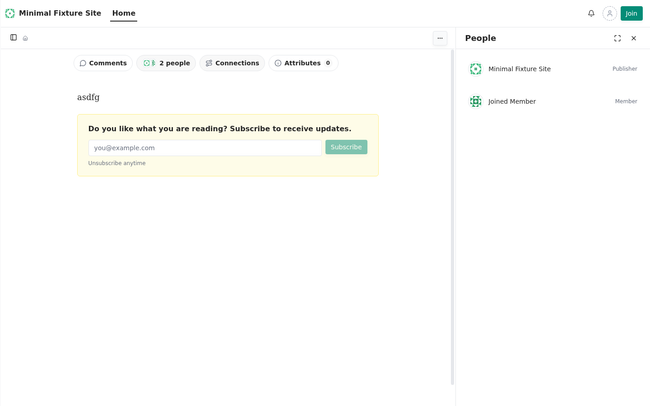
Verification reported by T3: An isolated local seed-daemon and production web build served a fixture space with a second joined account. Playwright reproduced “1 member collaborating” on unmodified origin/main in two runs each at desktop 1440×900 and mobile 390×844. After rebuilding with the fix, the pill was absent in both runs on both viewports, although collaborator data still included the member. The “2 people” button opened the People panel listing publisher and joined member; non-home documents were unchanged. UI, web, and desktop typechecks passed; 94 related UI tests and 2 web commenting tests passed. Prettier made no changes.
Limitations: T3 could not fetch the original issue screenshot, so expected behavior was inferred from the title. Local agent-ci was not run because Docker was unavailable; GitHub CI still needs review. No unit regression test was added because no existing harness renders the full home page; browser reproduction covers the change.
Before / After
Before — desktop: Unmodified origin/main: “1 member collaborating” pill above document tools on the space home. Second-run capture is identical.
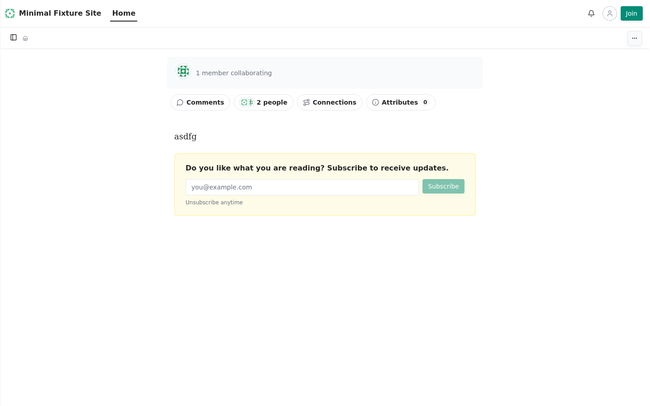
After — desktop: Pill gone; “2 people” tool retained. Second-run capture is identical.
Before — mobile 390×844: Pill shown on unmodified origin/main in both runs.

After — mobile: Pill removed in both runs.
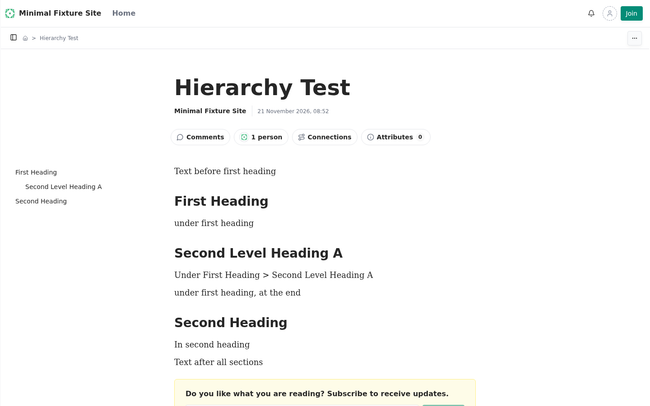
Non-home control — before and after: Document unchanged; both captures are identical.
After — People panel: Clicking “2 people” opens the panel with publisher and joined member.
Do you like what you are reading? Subscribe to receive updates.
Unsubscribe anytime