



Acceptance Criteria
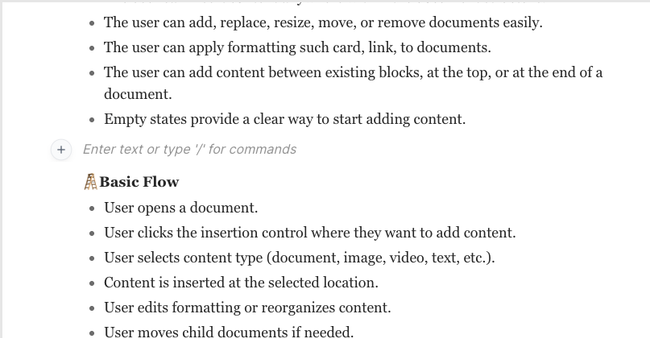
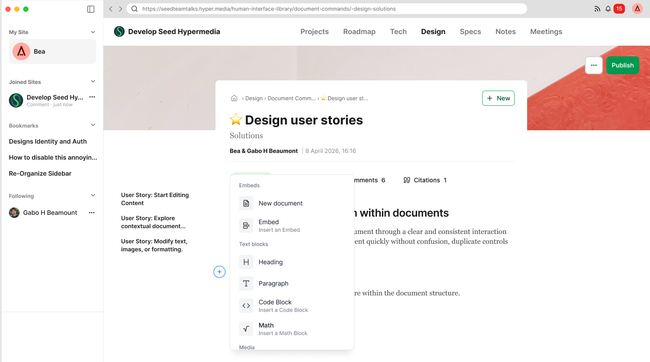
The user can add new content from a single consistent insertion control + or /
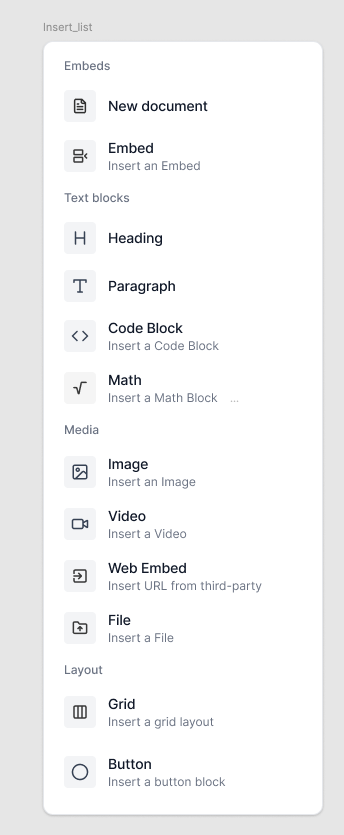
The user can insert items from the list anywhere within the document structure.
The user can insert a document anywhere within the document structure.
The user can change the cover image when creating the document draft and from the opened version
The user can select content and create a new document from it.
The user can add, replace, resize, move, or remove text, images, or videos easily.
The user can add, move, or remove documents easily.
The user can duplicate a document and the copy is created in place, directly below the original.
The user can apply formatting such card, link,... to documents.
The user can copy and paste a document to move it.
When a new document is created, keeps the horizontal format for the visualization→ Doc. draft
Basic Flow
User opens a document.
User clicks the insertion control where they want to add content by clicking + or typing /.
User has a list of options with different categories.
User selects content type (document, image, video, text, etc.).
Content is inserted at the selected location.
User edits formatting or reorganizes content.
Changes autosave automatically.
User clicks Publish when ready.
Designs
The user can add new content from a single consistent insertion control + or /

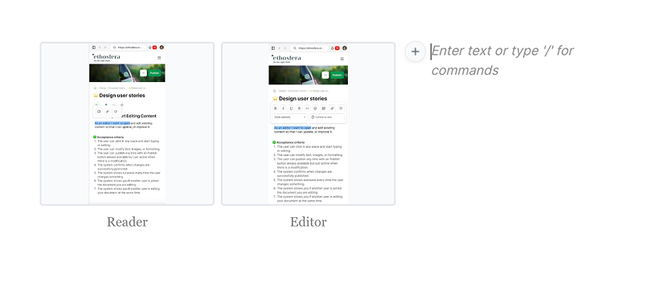
The user can insert items from the list anywhere within the document structure.
Note here: we take the opportunity to restructure items by more clear categories, clean the list and merge options that can be put together in one flow by logic.
The user can insert a subdocument anywhere within the document structure.
The user can change the cover image when creating the document draft and from the opened version
The user can select content and create a new document from it.
The user can duplicate a document. The copy is created in place, directly below the original.
Do you like what you are reading? Subscribe to receive updates.
Unsubscribe anytime